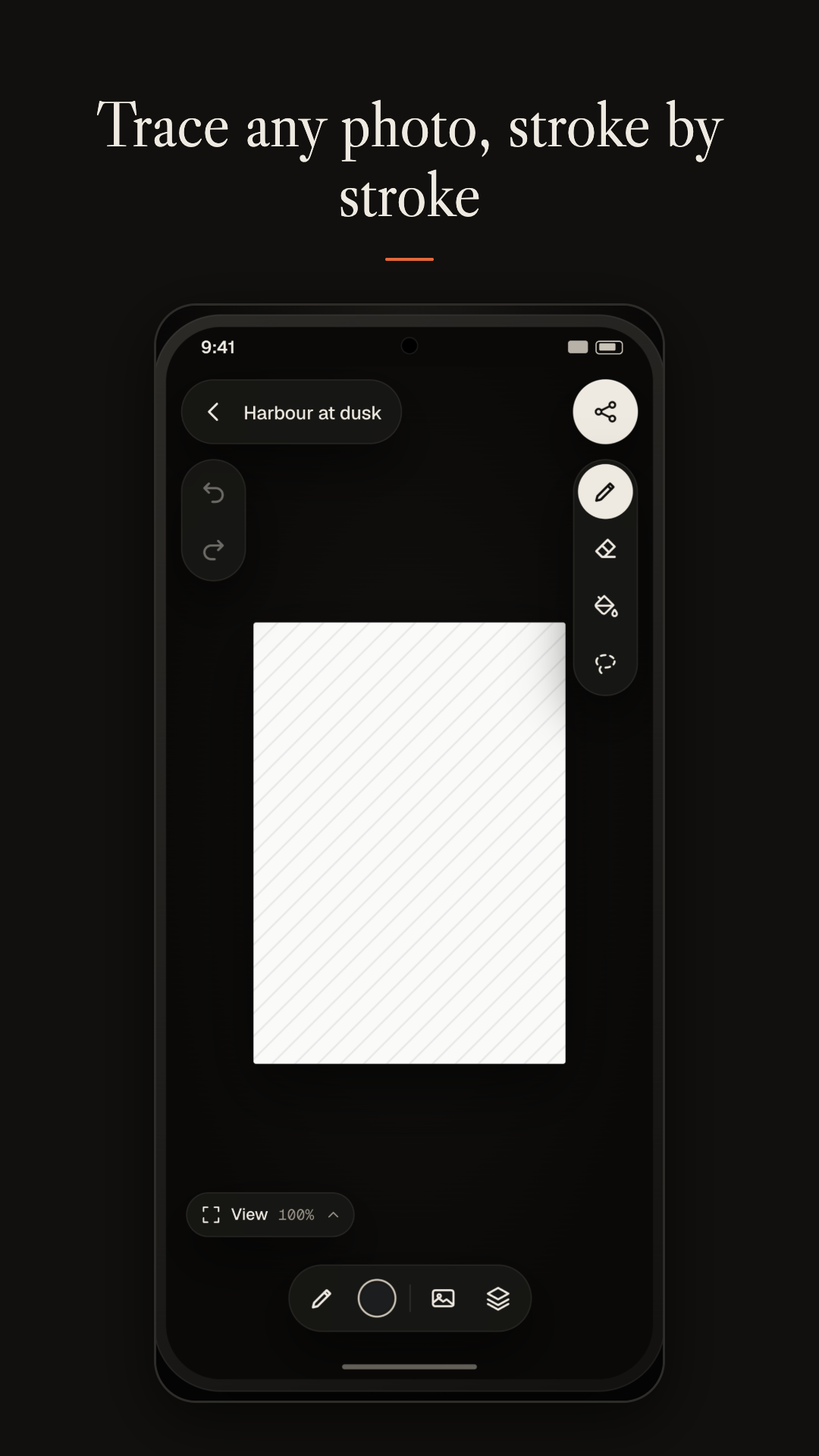
Open a blank canvas or pick a photo, lower its visibility, and draw over it with pens that respond to pressure. It is made for the S Pen on Galaxy phones and tablets and works with other active styluses, such as USI pens. You can also draw with a finger, but lines then keep an even width: pressure-sensitive strokes need an active stylus.
Trace with confidence
Choose a photo with the Android photo picker and set how strongly it shows through. Rotate it, flip it, scale it, or add several reference photos at once. Your drawing and the photo always move together when you pan and zoom, so your lines stay where you put them.
Draw the way you like
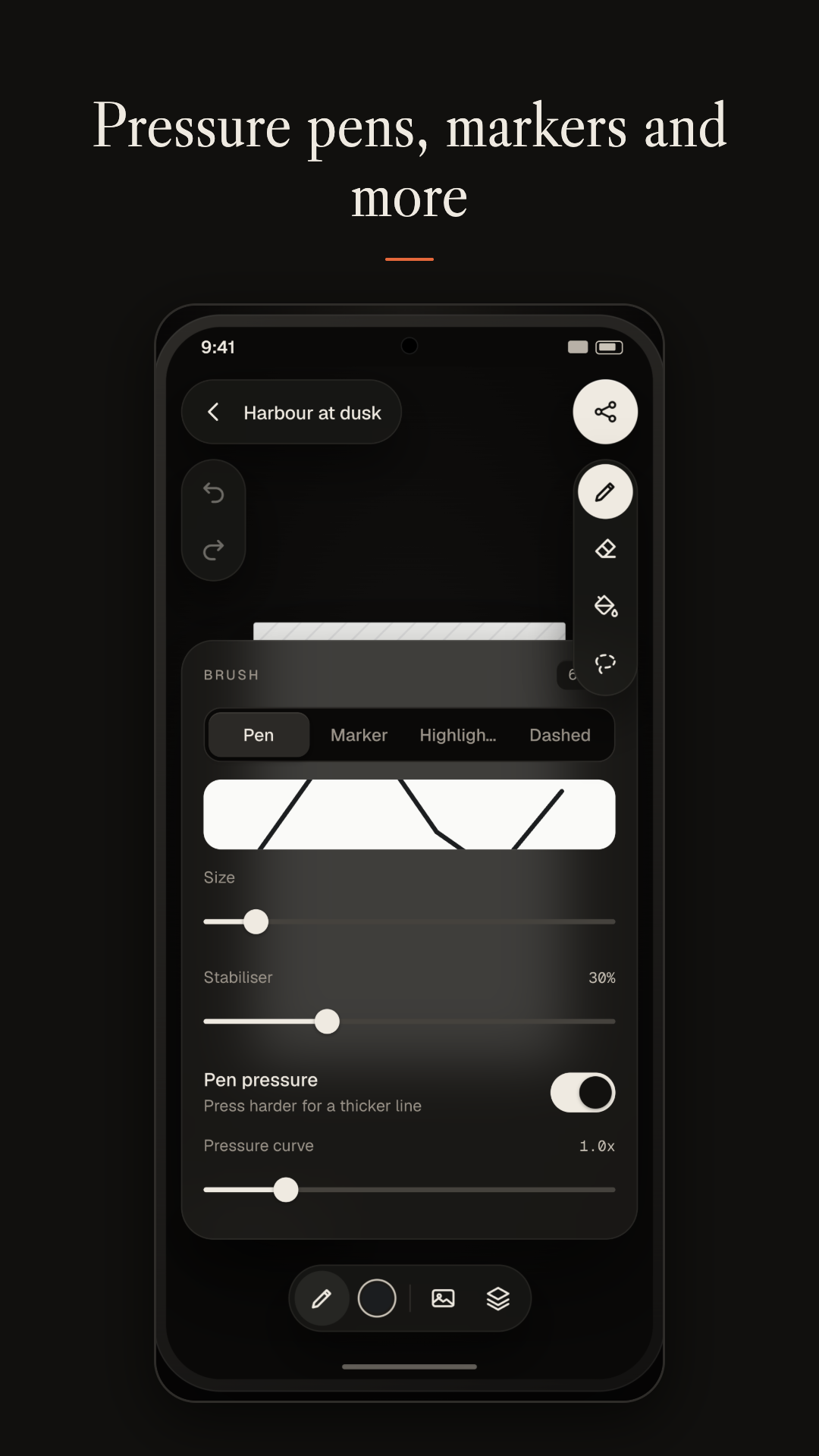
Pressure-sensitive pens, markers and highlighters give you a natural line. A brush eraser removes just what you touch. A fill bucket and a lasso selection tool handle the in-between work, and palettes with an HSV colour picker keep your favourite colours close.
Layers and guides
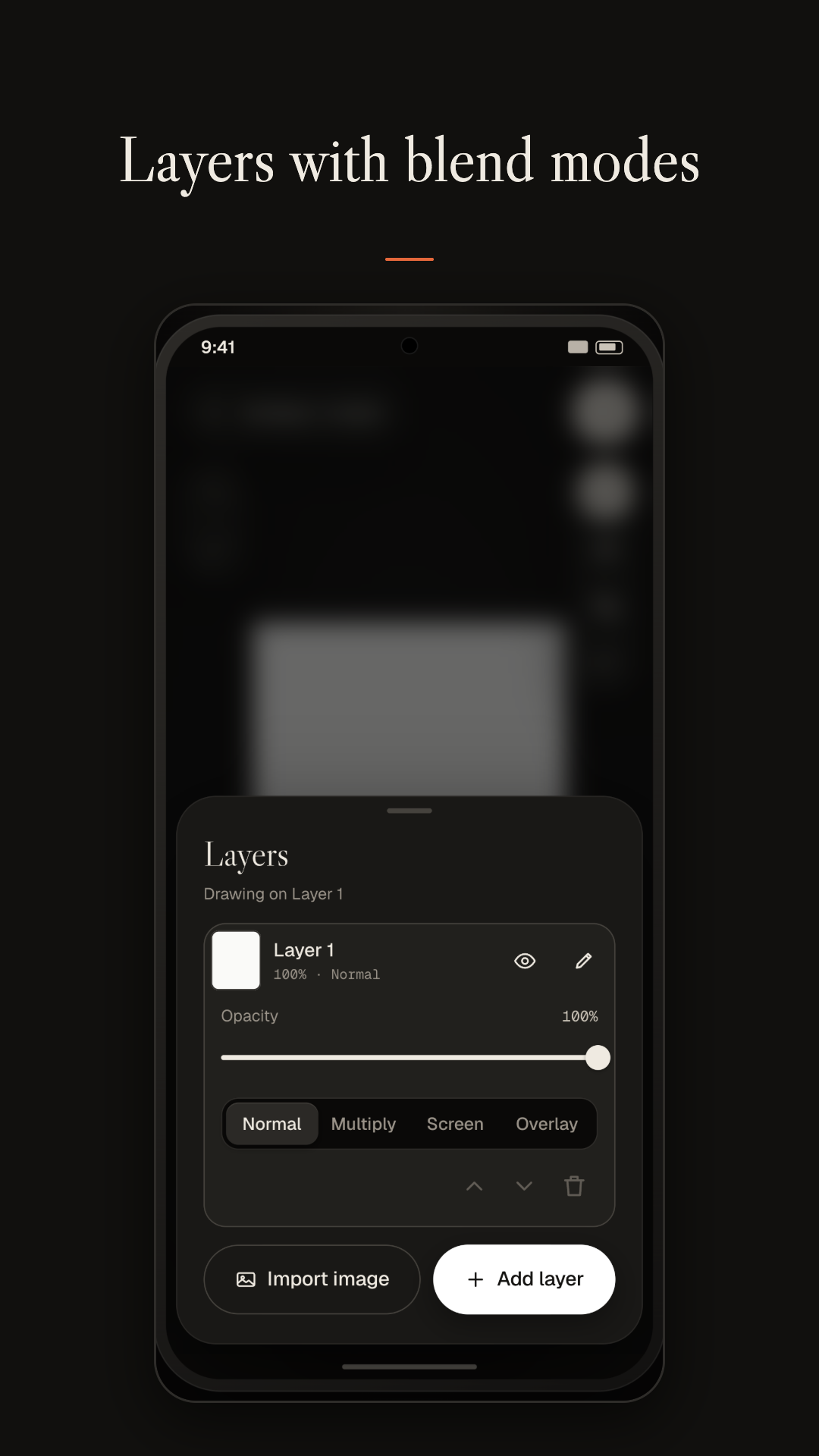
Work in layers with opacity and image import. Turn on a grid, symmetry guides, snapping and perspective guides when you need precision. Rotate the canvas to the angle that suits your hand, or go full screen to focus on the drawing.
Export as an image or a video
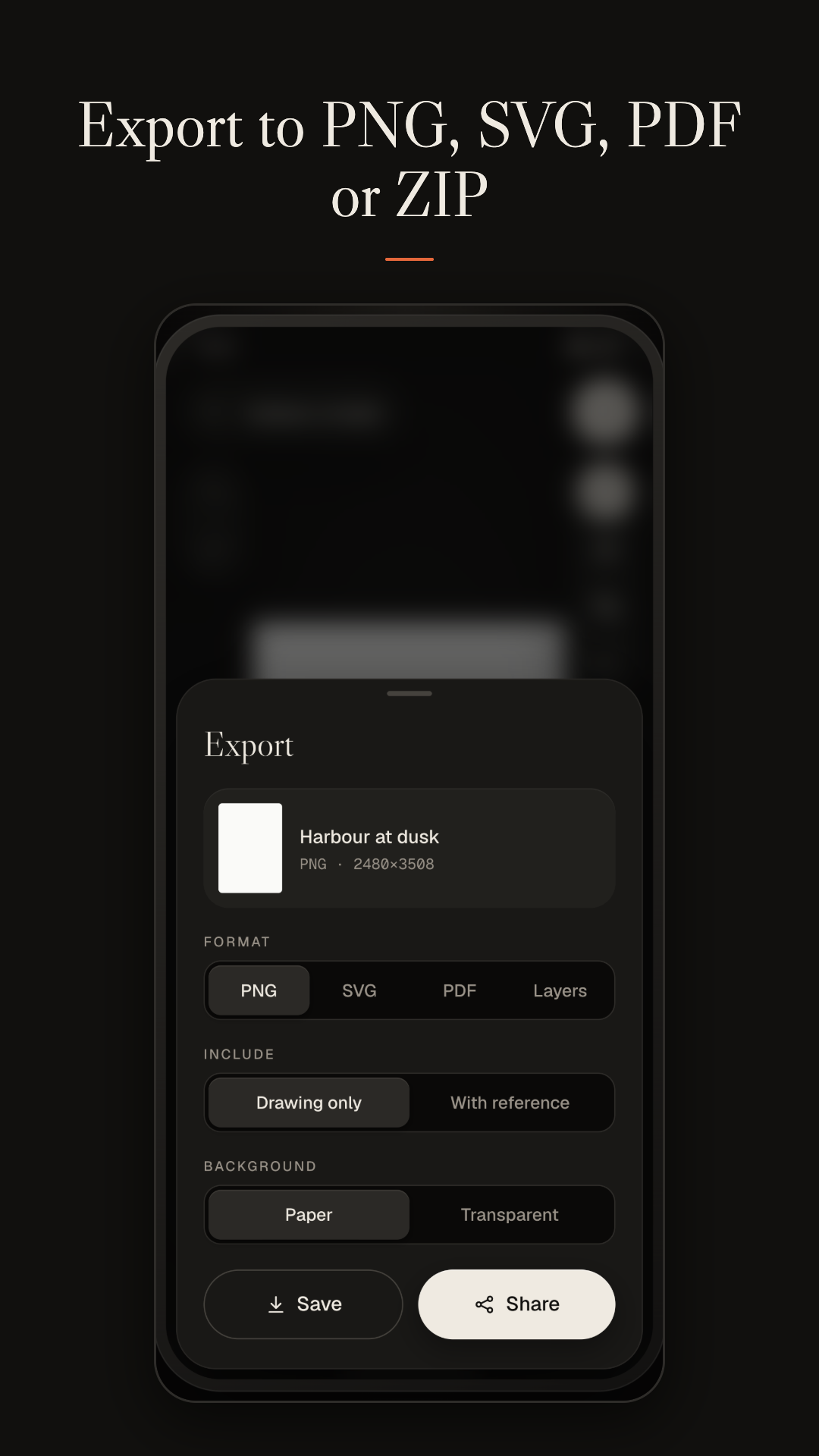
Export your drawing as a PNG, or as a video that replays it stroke by stroke at 1x, 2x or 4x. A live preview shows exactly what you will get, watermark included, and you can change or turn off the watermark for each drawing. You can also back up your sketches locally and restore them later.
Private by design
Everything stays on your device, with no account, no cloud, no analytics and no ads. Your sketches and photos are stored in the app's private storage and are never uploaded. Files are saved to Pictures, Movies or Downloads only when you ask for an export or a backup.